Computers have become an essential part of everyday life. They are used for education, communication, entertainment, business, research, design, gaming, and countless other activities. From desktop computers and laptops to powerful servers, computer technology continues to influence how people work and interact with information.
The Computer Quiz is a fun way to explore your knowledge of computers and the technology behind them. It covers common topics such as computer hardware, software, storage, operating systems, input and output devices, and basic computer terminology.
Understanding Computer Basics
A computer is an electronic device capable of processing information and performing many different tasks. Modern computers combine hardware and software to allow users to create documents, browse the internet, play games, communicate with others, and run specialized applications.
Understanding basic computer concepts can make it easier to use technology confidently and recognize how different computer components work together.
Computer Hardware
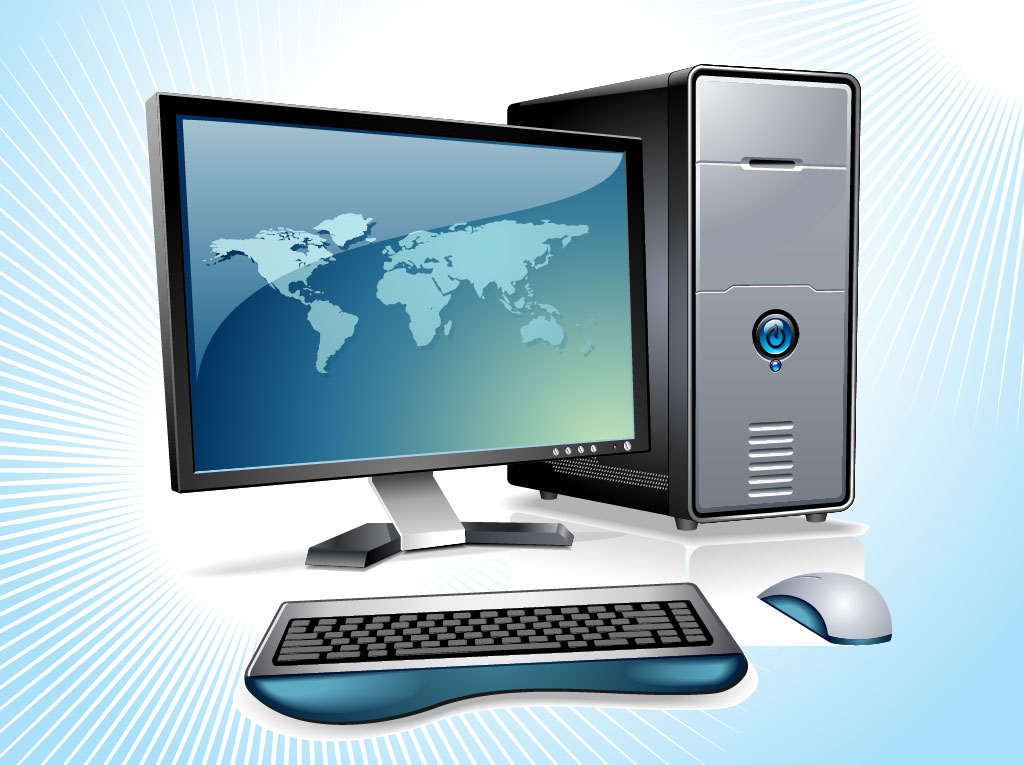
Hardware refers to the physical parts of a computer that you can see or touch. These components include the processor, memory, storage drives, motherboard, monitor, keyboard, mouse, and many other devices.
Different hardware components have different responsibilities. Some process information, some store data, and others allow users to interact with the computer.
Software and Applications
Software provides instructions that tell a computer what to do. Operating systems help manage the computer and allow applications to run, while individual programs are designed for specific activities.
Word processors, web browsers, media players, games, photo editors, and productivity applications are all examples of software people may use on a computer.
Storage and Memory
Computers use different technologies to temporarily or permanently store information. Files such as photographs, videos, documents, and applications can be saved on internal or external storage devices.
Memory also plays an important role in computer performance by helping the system work with information while programs are running.
Input and Output Devices
Input devices allow users to provide information or commands to a computer. Keyboards, mice, microphones, scanners, and webcams are common examples.
Output devices present information produced by the computer. Monitors, speakers, headphones, and printers are examples of devices that can provide visual, audio, or physical output.
Computers in Everyday Life
Computers are used in homes, schools, hospitals, offices, banks, factories, transportation systems, and many other areas. They help people manage information, complete calculations, communicate across long distances, and automate repetitive tasks.
As computer technology continues to develop, devices are becoming faster, more powerful, and capable of performing increasingly complex tasks.
About the Quiz
The Computer Quiz includes 8 steps designed to test your general knowledge of computers. The quiz may cover computer hardware, software, storage, operating systems, input and output devices, basic terminology, and other common computer concepts.
You do not need to be a computer expert to participate. Simply select the answer you think is correct and continue through all 8 steps to see how much you know.
Click the “Start Quiz” button below to begin. The first quiz step will appear as soon as you start.